PDF to Image Converter
Convert PDF pages into high-quality images instantly — fast, private, and fully offline. Designed for both desktop and mobile workflows.
Available on:


Simple conversion. Full control.
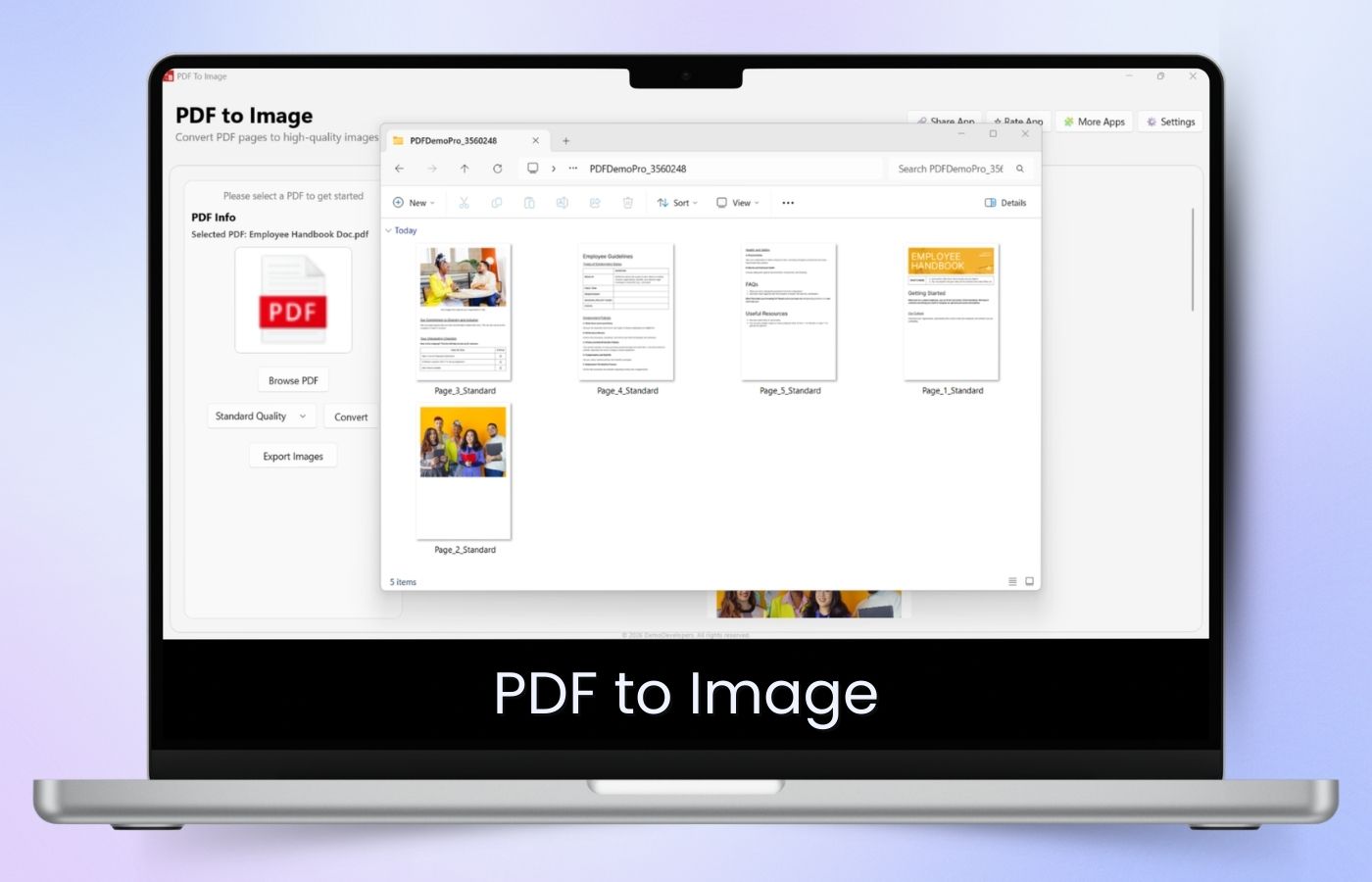
Select your PDF, preview pages on desktop, and export them as images in seconds. No uploads, no waiting — everything runs locally on your device.
What it does
Windows App Features
- Convert full PDF documents into images instantly
- Preview pages before exporting
- Choose Standard or HD output quality
- Works fully offline — no file uploads
- Supports up to 100 pages per file (increasing in future)
- Free trial available
Android App Features
- Convert PDF pages into images quickly
- Lightweight and fast processing
- Works fully offline
- Free version supports first 3 pages
- Upgrade to unlock unlimited conversion
- Clean and simple mobile experience
Why use this tool?
- No file uploads — your documents stay private
- Fast conversion without heavy software
- Optimized for both desktop and mobile workflows
- Simple interface with no unnecessary steps
See it in action
Watch how quickly you can convert PDF pages into images.
FAQ
Does this upload my PDF online?+
No. All processing happens locally on your device. Your files never leave your system.
Is the app free?+
Android offers a free version with limited pages. Windows includes a trial before full access.
Can I convert large PDFs?+
The Windows version currently supports up to 100 pages per file, with higher limits planned in future updates.
Convert your PDFs in seconds
Install the app and simplify your workflow today.